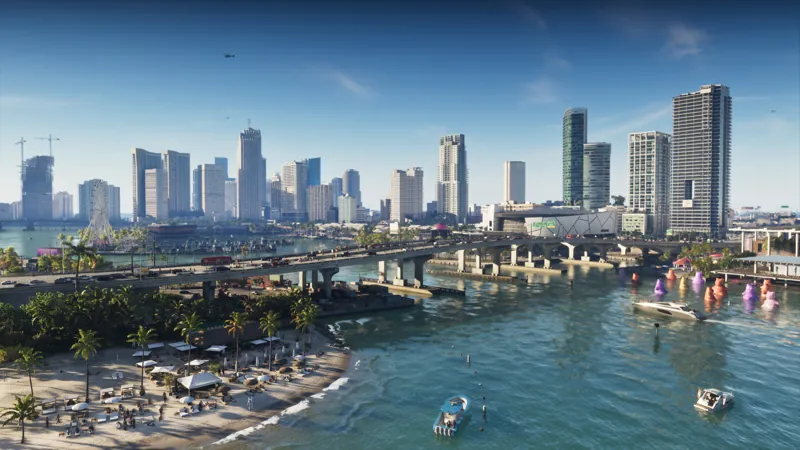
Rockstar Games published Grand Theft Auto VI Pre-Load Begins on November 10 on the official Newswire on November 3, 2026. We loaded the full Newswire article from rockstargames.com (SPA) for this update, so the platform clocks and storage ceiling below are Rockstar’s wording: not third-party paraphrase.
Evergreen guides: GTA 6 preload · download size · release / unlock.
Why the date moved
Take-Two’s June 24, 2026 pre-order press release still said digital pre-loading would begin on November 12, 2026. Rockstar’s November 3 Newswire moves digital pre-load two days earlier, to Tuesday, November 10. Keep using November 10 for digital downloads. Rockstar still ties code-in-box retail availability to November 12.
Exact start times (Rockstar Newswire)
Digital pre-loading on PlayStation 5 will begin on Tuesday, November 10 at midnight local time in your respective time zone. On XBOX Series X|S, pre-loading begins globally on Tuesday, November 10 at 12 a.m. GMT. Code-in-box versions for both consoles should be available from retailers beginning November 12.
| Platform | Pre-load start |
|---|---|
| PlayStation 5 | November 10, midnight local time |
| Xbox Series X|S | November 10, 12:00 a.m. GMT (one global start) |
PlayStation’s own channels match the PS5 row:
- PlayStation Blog (Nov 3, 2026): pre-download for pre-orders from November 10 local midnight.
- PlayStation Support: pre-load from midnight local time on November 10, 2026.
Rockstar also announced the November 10 date on X with a link to the same Newswire post.
Because Xbox uses a single GMT start, players west of the UK can begin earlier than PS5’s local midnight; players east of the UK start later relative to their local midnight. That follows from Rockstar’s published rules: it is not a separate “early access” promise.
Download size
Rockstar Newswire:
The pre-load file will require up to 212 GB depending on your device, so make sure you’ve got ample space to begin pre-loading as soon as possible.
PlayStation Blog asks PS5 owners to clear a minimum of 212 GB. PlayStation Support likewise says to ensure 212 GB of storage. “Up to 212 GB” (Rockstar) and “at least / ensure 212 GB” (PlayStation) are the official numbers we cite. We do not invent separate Series S or day-one-patch sizes that Rockstar has not published.
Small Microsoft Store placeholder packages are not the full game; the full pre-load replaces them when the window opens.
Who can pre-load
- Digital pre-orders on PS5 and Xbox Series X|S: from November 10 under the clocks above.
- Code-in-box physical copies: Rockstar says retail from November 12. PlayStation Support notes the box holds a download code, not a disc: redeem the code, then download. You still need the same storage headroom.
Pre-load does not unlock play before November 19, 2026. Unlock rules (PS5 midnight local) are covered separately in unlock news.
Practical PS5 checklist (PlayStation Support)
PlayStation Support’s GTA VI guide lists concrete steps. Summarized without unofficial extras:
- Confirm the pre-order under Order History, or redeem a code-in-box code under Redeem Code.
- Check Settings → Storage and free space for the install (Support/Blog: 212 GB).
- Open Game Library → your GTA VI pre-order → countdown timer and keep auto-download enabled.
- Under Settings → System → Power Saving → Features Available in Rest Mode, stay connected to the internet so downloads continue in rest mode; enter Rest Mode before the window if you want an unattended start.
- Keep system software updates set to download/install automatically.
- Enable Console Sharing and Offline Play if other profiles on the same PS5 should use the owned copy.
- After pre-load opens, reopen the timer to confirm the download; if it stalls, Support’s path is Pause → Resume, or Cancel and Delete then re-enable auto-download while signed into the owning account with enough free space and a working connection.
Rockstar’s Newswire also points players to Rockstar Support for platform-specific pre-load how-tos on PS5 and Xbox.
Related official context
The same Newswire notes that on November 19 Rockstar will add a free printable cover-art poster and Leonida map download on the official site, with a double-sided physical poster later in the Rockstar Store. That is launch-day merch: not part of the pre-load file itself.
Edition and Vintage Vice City Pack deadlines are separate; see editions news and editions.
What we do not invent
- No unofficial per-city clocks beyond Rockstar / PlayStation wording.
- No guessed Xbox Series S-only install size.
- No claim that pre-load equals early play.