How to open Photo Studio
GameSpot’s guide “How To Use Photo Mode In GTA 6”, by Jason Rodriguez and published 19 November 2026, is the main post-launch source on this page. GameSpot says Photo Mode is called Photo Studio in the game, and that it is available early. You open it from the pause menu by selecting Photo Studio, or with Square on PlayStation or X on Xbox.
GameSpot also says Photo Studio works during cutscenes, with fewer functions than in free roam. That is useful if you want a still of a story moment, but you should expect some tools to be missing until the scene ends. We do not invent a list of which cutscene tools are disabled, because GameSpot does not provide one.
This is a photography tool, not a story mission. For other free-roam activities see things to do. If you are posing both Jason and Lucia, switch characters covers how control changes between them.
Camera, effects and lighting tabs
GameSpot breaks Photo Studio into several tabs.
The Camera tab is where you rotate and zoom the shot. GameSpot also lists two options there that matter for a clean still: you can disable depth of field, and you can turn the current character invisible so the camera can sit where the body would otherwise block the view.
The Effects tab, in GameSpot’s list, covers exposure, contrast, tint and bloom. Those are picture adjustments, not weather or time-of-day controls. GameSpot does not describe a weather slider or a clock inside Photo Studio, so we do not claim one.
GameSpot labels a further lighting tab “Lightning.” That is GameSpot’s own spelling in the 19 November 2026 article. We quote that label rather than silently “correcting” it to “Lighting.” Treat it as the lighting controls GameSpot is describing. GameSpot also mentions Vehicle lights as a separate control, which is relevant if the shot includes a car at night.
None of this is an official Rockstar support article. It is a dated GameSpot walkthrough of the menus as that writer found them after launch.
Overlays, filters and hiding the UI
The Overlay tab, GameSpot says, is where vignette and filters live. GameSpot names three filters in that article: Cartoon Universe, Found Footage and Pixel Art. We list only those three because they are the ones GameSpot names; we do not invent a complete filter catalogue.
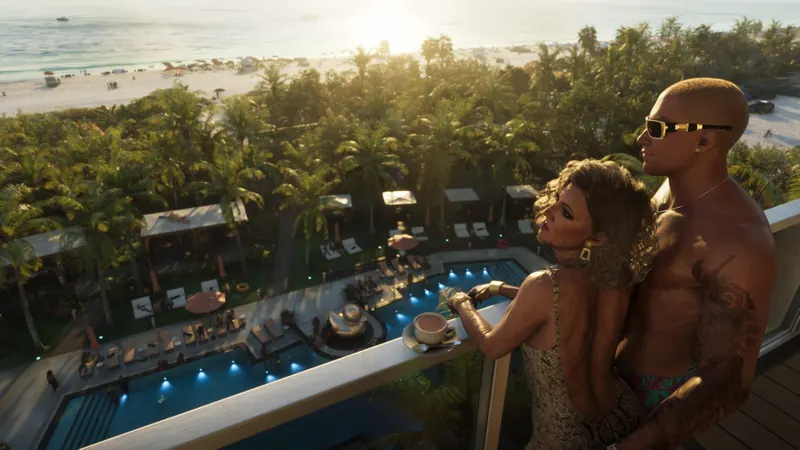
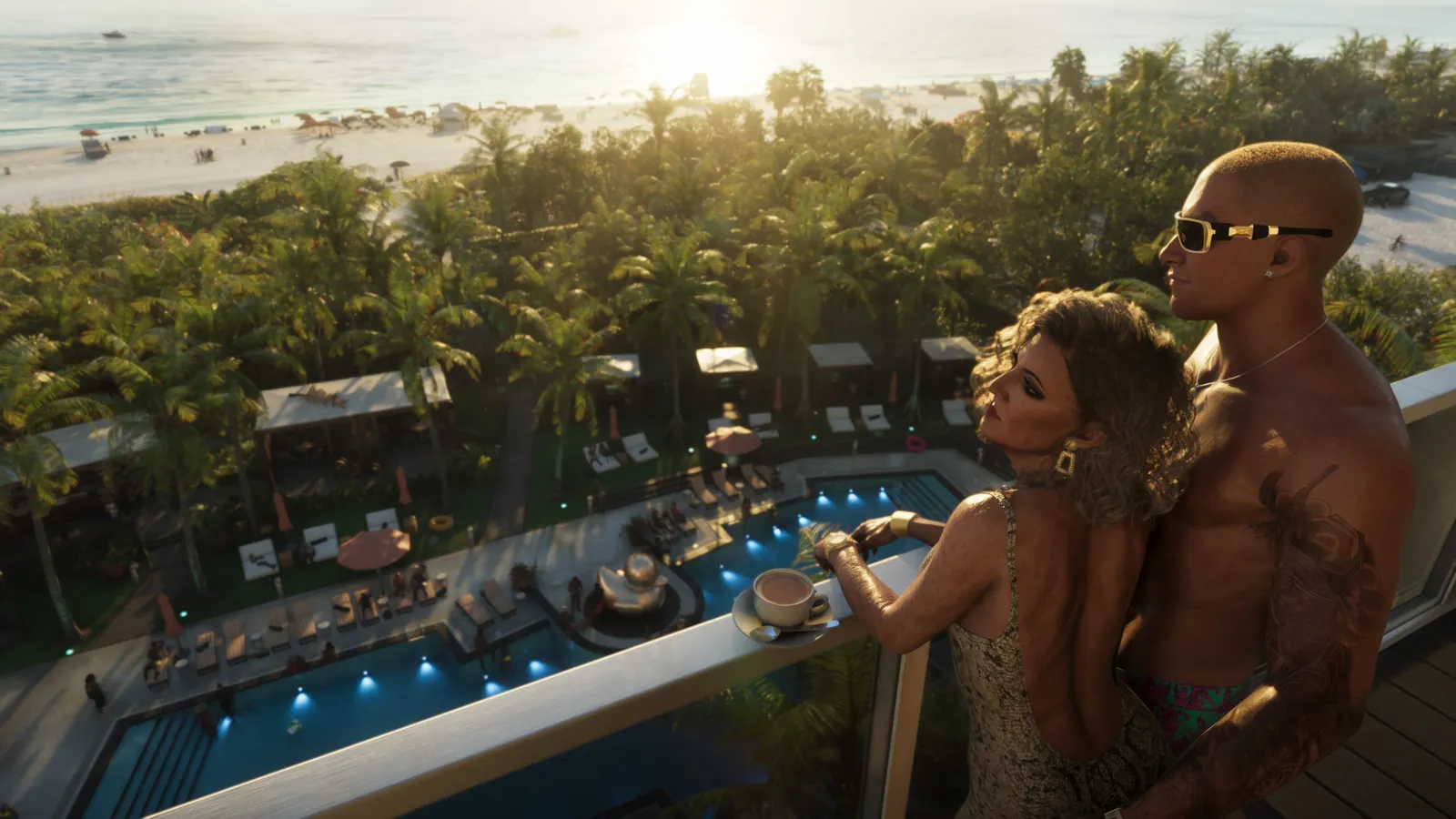
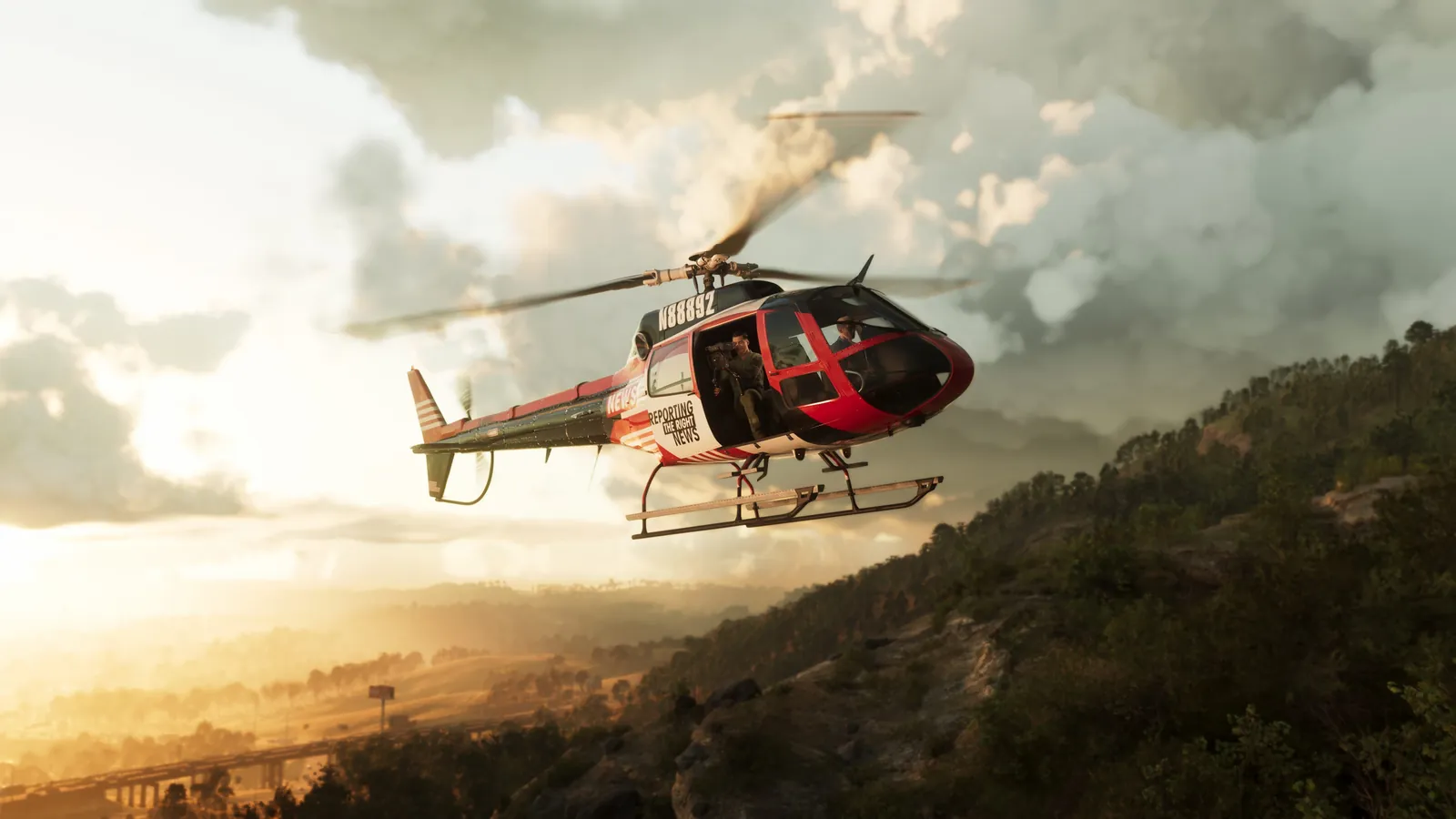
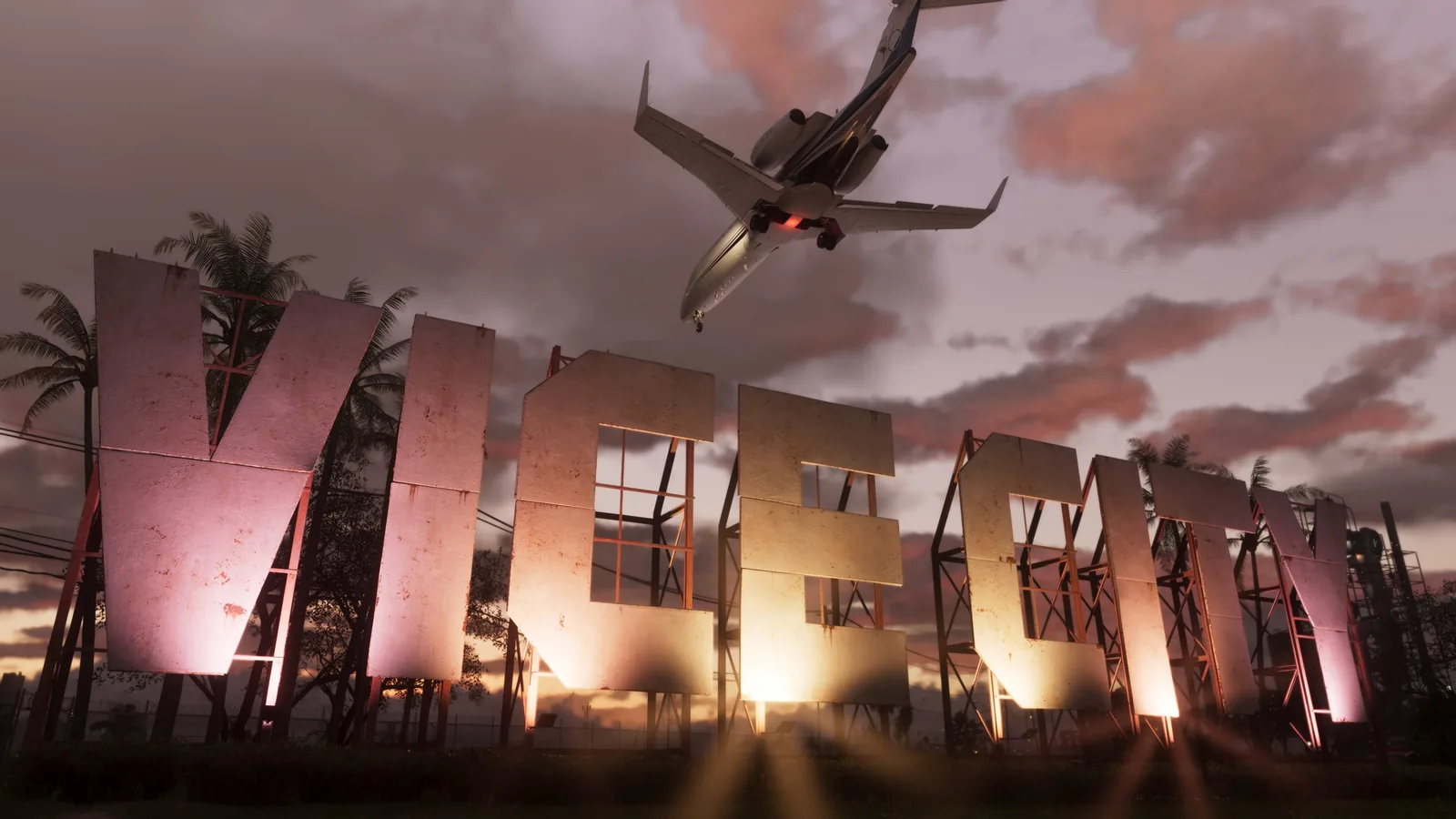
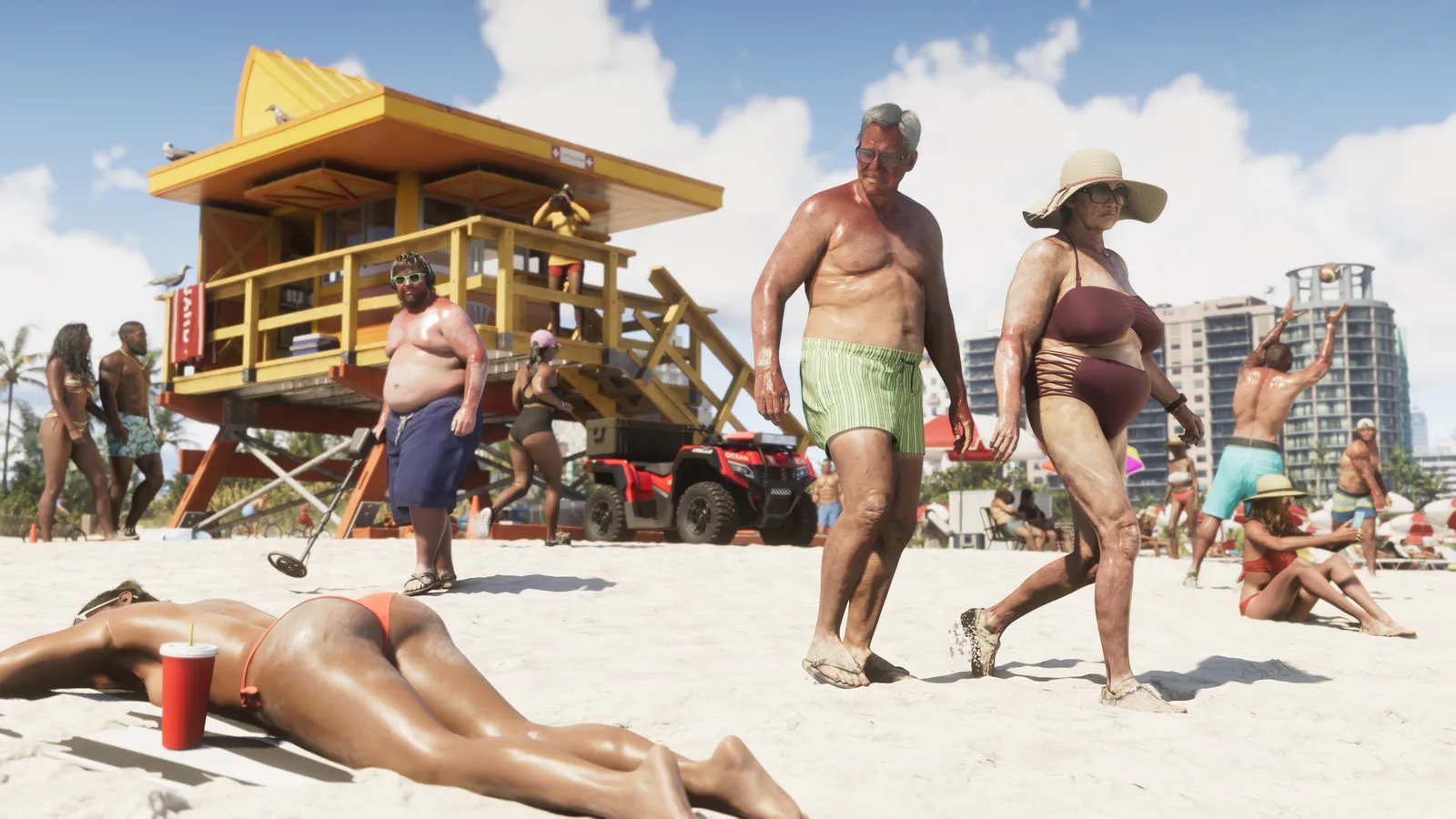
To hide the on-screen interface, GameSpot says you press Triangle on PlayStation or Y on Xbox. That is the usual way to take a still without menus in the frame. Official scenic stills from Rockstar (Vice City, Port Gellhorn, Mount Kalaga and the media gallery on rockstargames.com/VI/media) show the kind of landscapes you might frame; they are not screenshots of Photo Studio itself.
The phone Camera app is separate
Photo Studio is not the only camera in GTA 6. GameSpot describes a Camera app on the in-game smartphone, used for pictures and selfies. In that app, GameSpot says you can choose a pose and a facial expression. If your partner is present, GameSpot says you can also set a partner pose. That is a different tool from Photo Studio: one is a full photo mode from the pause menu, the other lives on the phone.
The Gallery app, in both GameSpot’s and Polygon’s same-day smartphone coverage, is where those phone pictures go. Polygon (19 November 2026) adds that the Gallery also holds photos that have been sent to you, “usually as part of a mission.” GameSpot adds that the Gallery contains a few archived pictures of Jason and Lucia from before the story begins. For the rest of the phone, see smartphone apps.
What this guide does not claim
- Where Photo Studio shots are saved. GameSpot’s 19 November 2026 article does not say whether stills go to an in-game gallery, a console media folder, or both. Weaker blogs that name a “Media Gallery” path are not in our source set. Until an official page or a first-tier outlet spells out the save location, we leave it unconfirmed.
- Time of day or weather inside Photo Studio. GameSpot does not describe those controls. We do not add them from unofficial videos.
- A full list of overlays, frames or hidden cameras. We only repeat named filters and tabs from GameSpot.
- That Photo Studio is required for collectibles or missions. Neither GameSpot nor Rockstar has said that on the pages we cite.
If you want scenic routes rather than camera menus, start with the map and places such as Vice City. Beginner orientation is on beginner tips.